


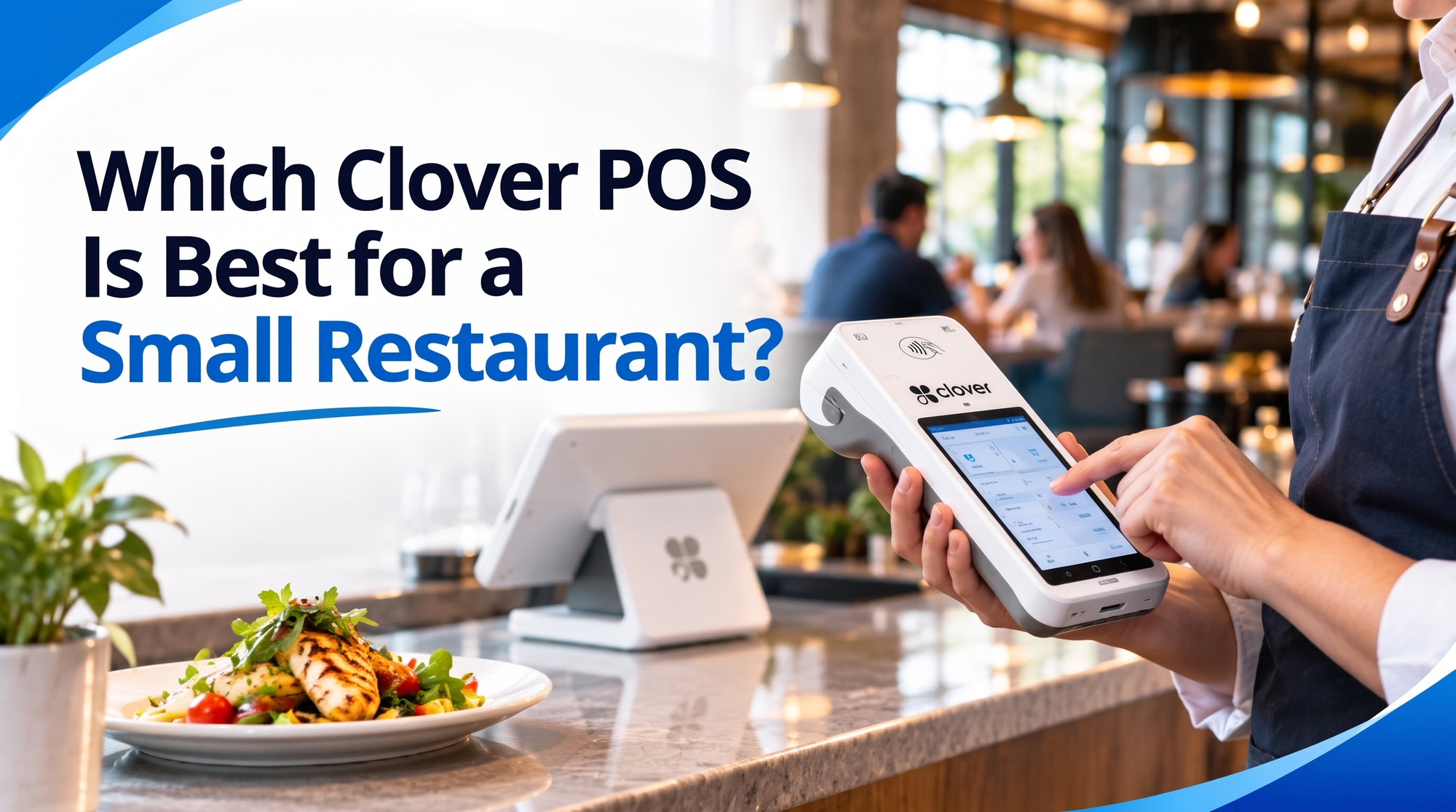
Which Clover POS Is Best for a Small Restaurant?
If you run a Clover POS devices for a small restaurant, choosing between them can feel confusing fast. There's a handheld, a countertop unit, a full station, a kitchen screen, even a self-order kiosk. Each one looks great in a brochure, but you only have so much counter space and so much budget.
Most small restaurants do best with a Clover Flex POS for tableside payments, paired with a Clover Mini or Solo Station at the counter. This guide explains why, who should pick what, and what you'll really pay, so you can decide with confidence before you spend a dollar.
Why Picking a Clover POS Gets Tricky for Small Restaurants
Most owners don't struggle with the technology. They struggle with the choices around it. Here are the problems we hear most often:
- Too many devices, not enough clarity. Flex, Flex Pocket, Mini, Solo Station, Compact, Kiosk, KDS. Which ones do you actually need on day one?
- Slow tables. Servers walk back and forth to a single register while guests wait to pay.
- Kitchen mix-ups. Handwritten or printed tickets get lost, smudged, or misread during a rush.
- Hidden costs. The price on the box isn't the full price once you add a cash drawer, kitchen printer, software plan and processing fees.
- Buying from the wrong place. The hardware is identical everywhere, but the rate you pay and the support you get are not.
A good setup solves all five. A bad one quietly eats into your margins every month.
How to Choose the Right Clover POS Device, Step by Step
Before comparing models, it helps to understand what a Clover POS system actually does. It takes payments (chip, tap, Apple Pay, Google Pay), tracks your menu items, manages staff permissions and hours, and sends everything to one online dashboard you can check from your phone. Whatever device you start with, it all syncs to the same back end, so you can add more hardware later without splitting your data.
Here's a simple way to pick:
- Map how your guests order. Table service, counter service, takeout, or a mix? Table service points to a handheld. Counter service points to a Mini or Station.
- Count your staff on the floor. One or two servers can share a single handheld. Four or more usually need two.
- Measure your counter. If space is tight, skip the bigger station and go compact.
- Look at your kitchen. If tickets are already a headache, add a kitchen display early instead of later.
- Set a realistic budget. Decide whether you'll buy outright or finance, and include accessories in the number.
- Pick your reseller carefully. Ask about setup, staff training, processing rates and what happens when something breaks on a Friday night.
Tip: Start small. Because every Clover device shares one dashboard, you can begin with a Flex and a Mini and add a kitchen display or kiosk once your volume grows.
Top 5 Clover POS Devices for a Small Restaurant
1. Clover Flex: Best Overall for Small Restaurants
The Clover Flex is a handheld terminal with a built-in printer and scanner, which makes it the most useful device for a small dining room. Servers carry it to the table, take the order or payment on the spot, and print the receipt right there. Guests never wait for a card machine to appear, and tips get added faster. It works over WiFi or cellular, so a dropped connection won't stop service. If you only buy one device, make it this one. It also doubles as a pickup and curbside payment tool.
2. Clover Mini: Best for Counter-Service Cafés and Takeout Spots
The Clover Mini is a compact, Android-powered countertop terminal that handles payments, inventory tracking and reporting without hogging space. It suits cafés, bakeries, sandwich shops and takeout counters where one person rings up most orders. Setup is straightforward, and it supports plug-and-play accessories like cash drawers and scanners. Because the screen is smaller than a full station, it keeps your counter tidy. Pair it with a Flex when you add table service, and you've covered both front-of-house needs for a reasonable price.
3. Clover Solo Station: Best for Busy Counters
The Clover Solo Station is the pick when your line regularly reaches the door. It's an all-in-one checkout built to keep payments quick and mistakes low during peak hours. You also get stronger reporting, employee management, offline mode and customer loyalty tools. For a small restaurant that does heavy lunch or dinner volume, the larger screen makes order entry faster and easier for new staff to learn. It costs more than a Mini, but it can pay for itself by moving more customers through the same lane.
4. Clover Kitchen Display System (KDS): Best for Cutting Order Errors
The Clover Kitchen Display System (KDS)replaces paper tickets with a digital screen in your kitchen. Orders from your Clover registers and handhelds show up instantly, update in real time, and use color-coded timers so cooks can see which tickets are running late. That removes the classic problems: illegible handwriting, lost slips and missed modifications. It's not essential on day one for a tiny operation, but once you're sending more than a handful of tickets at once, a KDS often saves more money in remade dishes than it costs.
5. Clover Kiosk: Best for Quick-Service Restaurants
The Clover Kiosk lets customers order and pay on their own, with smart modifiers, contactless payment and KDS sync. For a quick-service restaurant, it shortens queues during rush hours and frees your team to cook and serve instead of standing at a register. It's the most advanced option on this list, so it fits best if you already have steady traffic and limited staff. Dine-in restaurants that rely on conversation and table service usually won't need it right away.
Benefits of Using a Clover POS in a Small Restaurant
- Faster payments. Chip, tap and mobile wallets are accepted out of the box, with encrypted transactions for security.
- Tableside convenience. A handheld lets servers close out checks at the table, which usually speeds up table turns.
- Fewer order mistakes. Digital tickets and modifiers reduce the back-and-forth between floor and kitchen.
- Real-time visibility. See what's selling, what's slow and who's working from any phone.
- Staff control. Set permissions, track hours and limit who can issue refunds or discounts.
- Room to grow. The Clover App Market adds loyalty programs, gift cards, scheduling and accounting tools without switching systems.
- Flexible processing. Unlike some restaurant-only platforms, Clover can be bought through an independent reseller, which gives you room to negotiate your rate. If you're weighing alternatives, our restaurant POS guide walks through what matters for food service.
Card security matters here too. Clover supports PCI-compliant payments, and you can read more about the standard itself at the PCI Security Standards Council.
How Much Does a Clover POS Cost for a Small Restaurant?
Clover pricing isn't a single number, so it's worth budgeting for three parts:
Hardware (approximate, one-time)
- Clover Flex: roughly $500 to $750
- Clover Mini: roughly $700 to $900
- Clover Solo Station: roughly $1,350 to $1,800
- Extras like a cash drawer, scanner or kitchen printer: a few hundred dollars more, depending on what you add
Software (monthly)
Restaurant plans typically run from about $55 per month for a counter-service setup on one device to around $85 or more per month for table service, with additional devices costing extra. Bundled plans that include hardware cost more per month but spread out the upfront spend.
Processing
Buying directly from Clover often means a flat in-person rate in the neighborhood of 2.3% to 2.6% plus 10 cents per transaction. Through an independent reseller, your rate can be built around your average ticket and monthly volume.
A few honest tips:
- Financing hardware over 36 months can cost noticeably more than paying upfront, so compare both.
- Ask about the merchant application fee and any early-termination terms before you sign.
- Prices change, so confirm current numbers on Clover's official site and with your reseller.
For a small restaurant, a realistic starting setup (one Flex plus one Mini or Solo Station) often lands between $1,200 and $2,700 in hardware, plus the monthly plan. Want a number based on your actual sales instead of a guess? Our team can build you a custom quote, and our merchant processing page explains how rates are set.
It also helps to benchmark your costs against the wider industry.
Get Started With Us
Fill in your details and we'll get back to you shortly.