


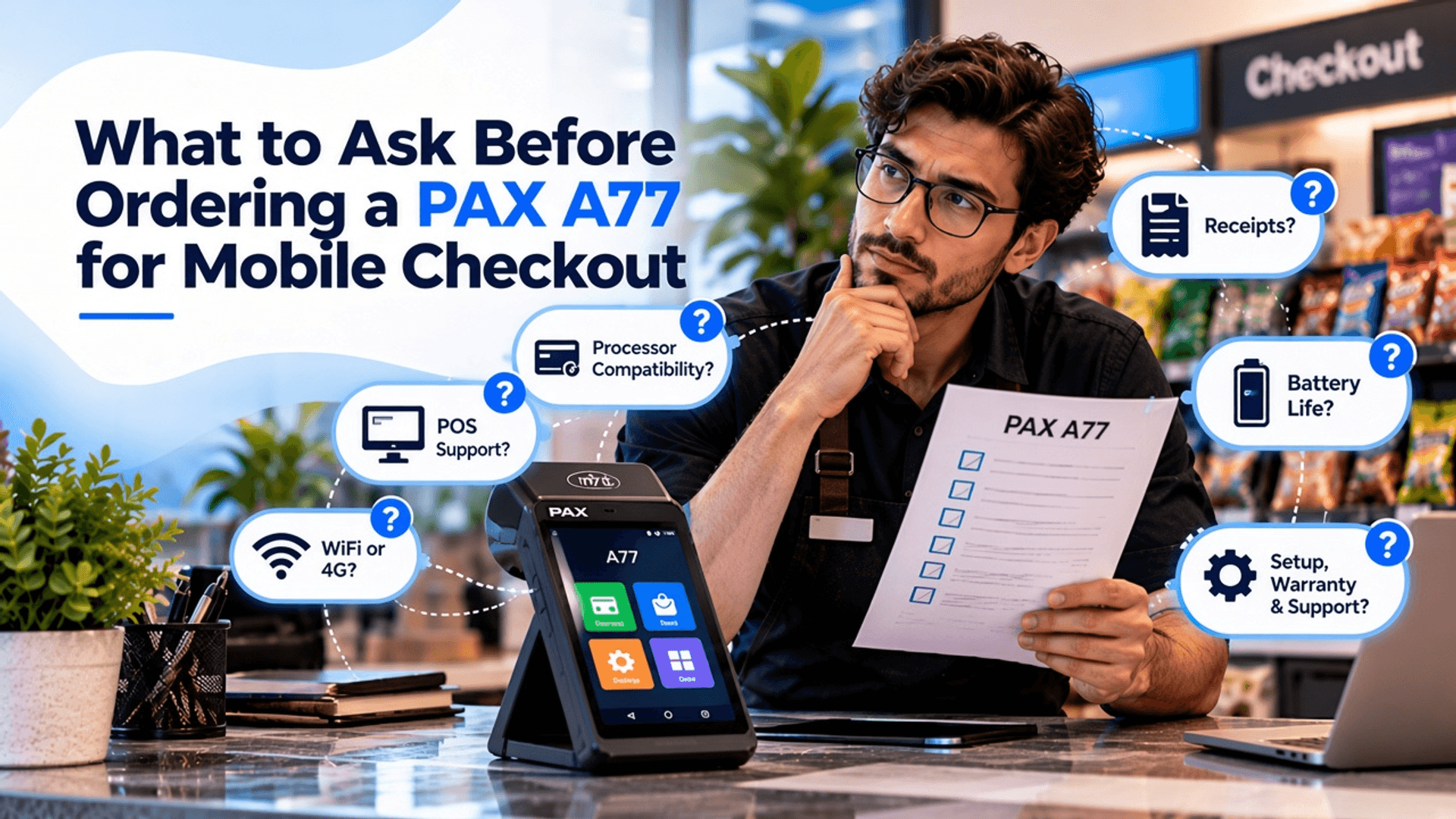
What to Ask Before Ordering a PAX A77 for Mobile Checkout
Checkout is no longer stuck behind a counter. Customers now expect to pay at the table or in the aisle, and they want it done in seconds. That shift is why the PAX A77 Smart Mobile POS is getting so much attention. It looks like a smartphone, slips into a pocket, and handles chip and swipe with ease.
Here is the part most sellers skip. Ordering an A77 is not like picking up a new gadget. Two units can look identical and still work very differently. One might be locked to a processor you never use. Another might ship with a smaller battery or no scanner. And neither model prints a receipt, which catches plenty of owners off guard.
The good news? You can handle every one of these headaches by asking the right questions. This guide breaks down exactly what to check before you buy a PAX A77 for mobile checkout, so what arrives at your door matches what your business really needs.
Get Started With Us
Fill in your details and we'll get back to you shortly.
PAX A77 Payment Processor Compatibility: Why the Wrong Unit Becomes a Paperweight
A PAX A77 accepts only cards from its assigned processor. Before it ships, someone loads secret security codes into it that lock it to that one company. Buy an A77 meant for another business, and it will power on just fine. Your payments, however, will not go through.
That is why many sellers ask you to pick an “encryption type” at checkout. It simply means which provider the terminal will work with. A certified center can sometimes unlock the device, but you pay a fee and wait days. Used and refurbished models carry the biggest risk, since many come from closed accounts.
Before you order, ask these four questions:
- Which processor is this A77 set up for?
- Does my provider support the A77? (Give them the model and serial number to check.)
- Can someone reset it if I switch later?
- Do I own it outright, or is it part of a lease?
If they say yes to the second question, you can go ahead with confidence.
Will the PAX A77 Work With My POS System? Here Is How to Check
It depends on your POS provider. The A77 runs on Android, so it can handle standalone payments or link with your main register. Still, PAX A77 software compatibility varies by brand, and not every system lists it as approved hardware.
- Call your POS company and ask if the A77 is on their device list.
- Find out how it connects: on its own, linked to your till, or both.
- See if their app runs right on the handheld, not just on a tablet.
- Make sure your POS and your payment processor work together.
- Request a short demo before you sign anything.
Does the PAX A77 Print Receipts? What to Do Instead
No, it does not. The A77 leaves out a printer to stay slim and pocket-friendly. That might sound like a deal breaker, but you actually have three easy fixes.
- Most setups offer PAX A77 digital receipt options like email, text, or a QR code. Customers get their copy in seconds, and you skip the cost of paper rolls.
- Many POS apps let the handheld connect with a small portable unit that clips onto a belt. Servers and event vendors love this combo.
- If the A77 links to your main POS, the slip comes out at the till instead.
PAX A77 WiFi and Cellular Connectivity: Which One Do You Need?
The A77 supports both WiFi and 4G, so it stays online almost anywhere. Your best choice depends on where your staff takes payments every day.
| Option | Best For | What to Know |
|---|---|---|
| WiFi only | Shops, cafes and table service | No extra cost, but the signal must reach every corner |
| 4G only | Events, deliveries and curbside pickup | Requires a SIM and a monthly data plan |
| Both | Busy stores that also sell outside | Gives you a backup if one connection drops |
Which PAX A77 Version Fits Your Business Best
Two A77 units can share the same name yet hide very different parts inside. Battery size, memory, and scanner options all shape your daily experience.
| Feature | Basic Version | Upgraded Version | Who Should Upgrade |
|---|---|---|---|
| Battery | 3020mAh | 5150mAh | Long shifts and outdoor sales |
| Memory | 8GB storage, 1GB RAM | 16GB storage, 2GB RAM | Shops running full POS apps |
| Scanner | Camera reads codes | Dedicated barcode reader | Retail with lots of products |
Still unsure? Compare it with other PAX POS terminals before you decide. The lighter A50 costs less, while the A920 Pro includes a built-in printer.
PAX A77 Setup Requirements, Warranty, and Support to Confirm Before Buying
Ask first whether the A77 arrives ready to use. Some sellers load your merchant details and apps ahead of time. Others leave you to connect WiFi, install software, and enter account codes yourself. Next, check how long coverage lasts. New units usually come with better protection than refurbished ones. Also find out how fast you get a replacement if it breaks during a busy week. Finally, learn who answers your calls. Is it the processor, POS company, or the reseller? Knowing this saves hours of finger-pointing later.
What to Know Before Ordering a PAX A77: Quick Checklist
Before you pay a cent, run through the list below. It sums up every key question in one spot, so nothing important slips past you.
- Confirm your checkout actually slows down during busy hours.
- Ask which processor the unit is set up for.
- Check that your POS lists the A77 as supported hardware.
- Plan how customers will get receipts, since there is no printer.
- Choose WiFi, 4G, or both based on where you sell.
- Pick the right battery, memory, and scanner version.
- Get the full cost in writing, including fees and data plans.
- Find out who handles repairs and how fast swaps happen.
Conclusion
The A77 is a smart little machine, but only when it fits your business. So before you buy, run through the basics one last time. Start by asking whether long lines truly slow your sales. Then confirm it works with your processor and POS. Finally, choose the battery, memory, and scanner version that suits your workload, and lock in the full price in writing.
Still unsure which unit to pick? That is where we step in. At Soiree Inc., we help you find handhelds that run smoothly from day one. Ready to move forward? Request a PAX A77 quote, and our team will pair you with the best unit for your setup.